While you are on the site, in your browser find and click "Add to Home Screen" A CGN beaver app icon will then be created to your phone that is directly link to the site.
Note: This feature may not be available in some browsers.
I have seen dies leave marks on the necks but not sure if they were as deep as yours are. I have found that it seems to mostly happen when not using enough lube but that isn't always the case.
On the ones I have that start to show signs of doing it I clean them and try a metal polish first and if that doesn't do it then I use some fine wet/dry paper and then the the polish again. So far I have been able to clean my dies myself but I do know that at least some die makers will clean or hone your dies which ever is needed for a small fee.
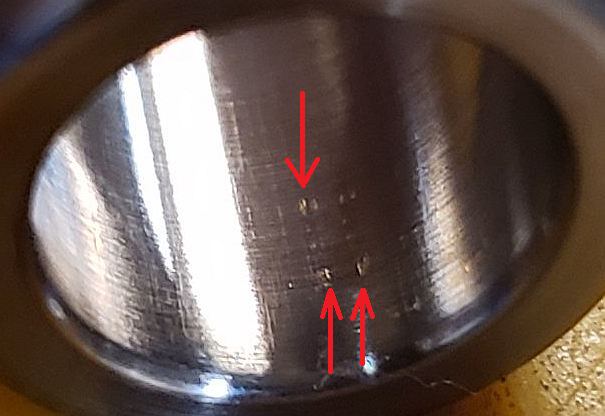
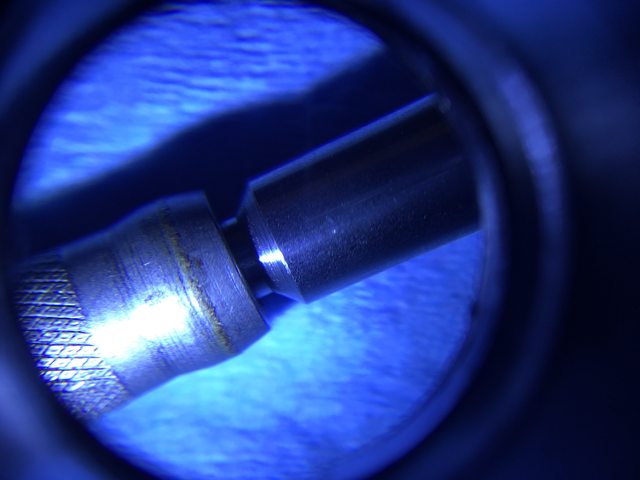
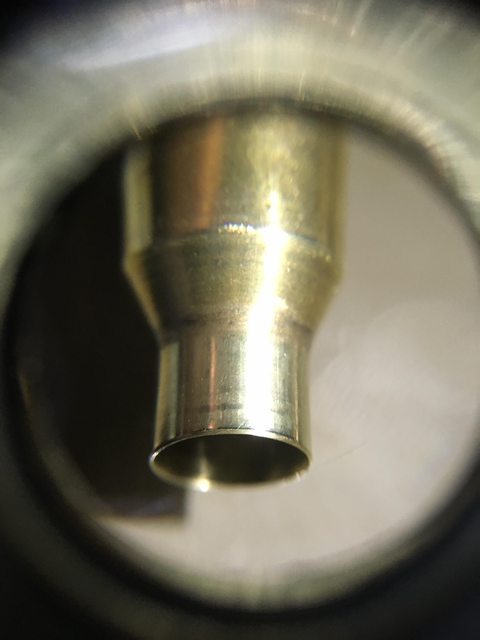
There are burs at the neck shoulder junction of the die. And the more you size the more brass the burs pick up and dig into the neck.
First clean the die with some strong copper bore solvent that will curl your nose hairs and make your eyes water if you sniff it, to remove the sticking brass.
Next polish the die with a snug fitting shotgun cleaning mop using a drill and some J&B Bore Paste, Flitz, automotive rubbing compound etc.
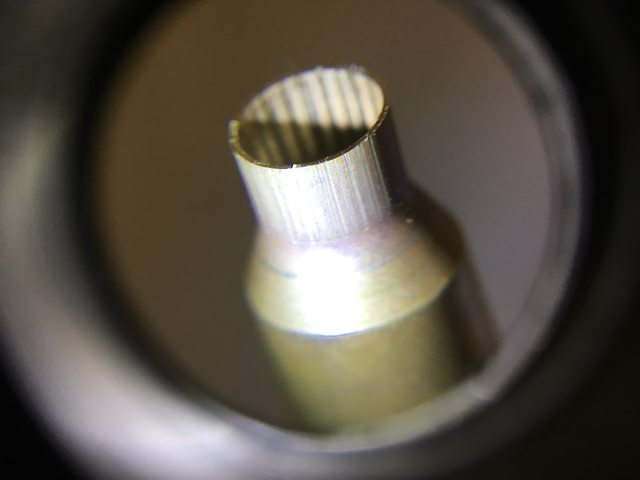
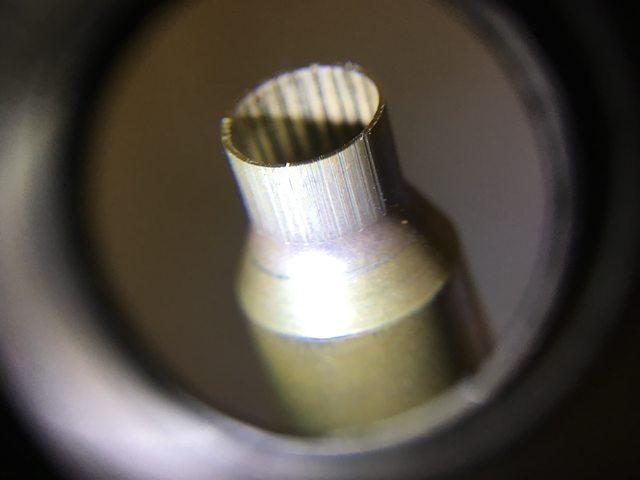
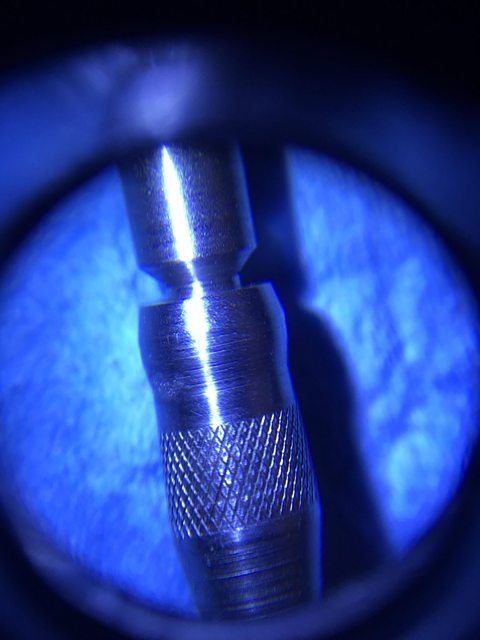
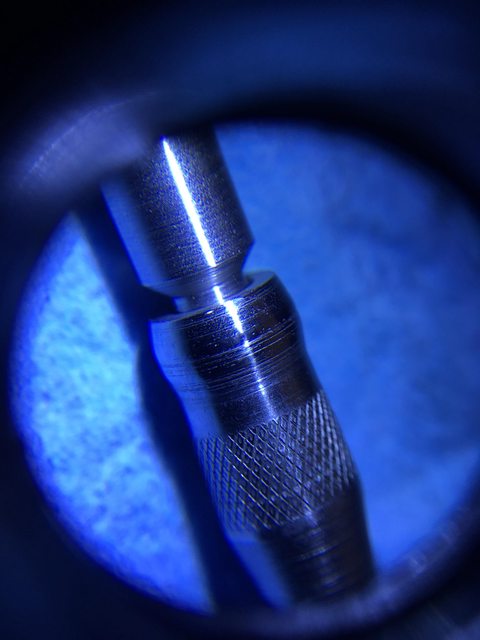
Then inspect and polish your expander, below a new RCBS expander in need of polishing.
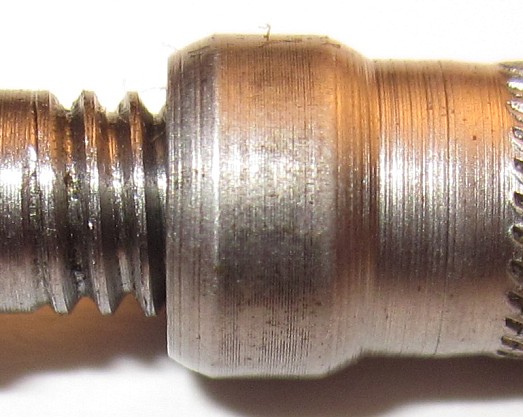
Below a neck bushing that has imbedded grit stuck to the bushing and is picking up brass.
I did clean the body with cleaner and scotchbrite on the drill but unfortunately could not see what was in there or the condition of the die in the neck area.