











































OK, let's see what your desktop theme is!
Here's how you do it (on Windows PC's): Hit "Print Screen".
Now open MS Paint (in Accessories Menu). Click Edit -> Paste.
Now click File -> Save As ->
Select .jpg format and click save. Resize to something like 800 pizles wide and post it here!
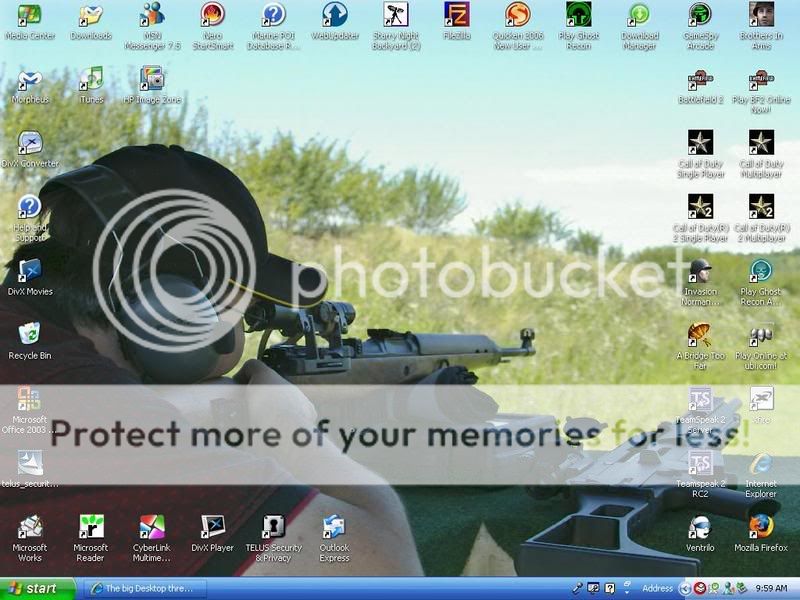
Mine's a bit wide b/c I use a 19" widescreen monitor, but here she is:

Here's how you do it (on Windows PC's): Hit "Print Screen".
Now open MS Paint (in Accessories Menu). Click Edit -> Paste.
Now click File -> Save As ->
Select .jpg format and click save. Resize to something like 800 pizles wide and post it here!
Mine's a bit wide b/c I use a 19" widescreen monitor, but here she is: