












































Hi, all
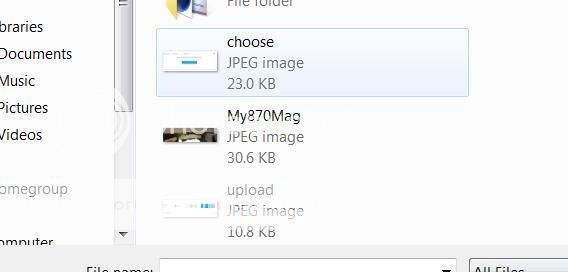
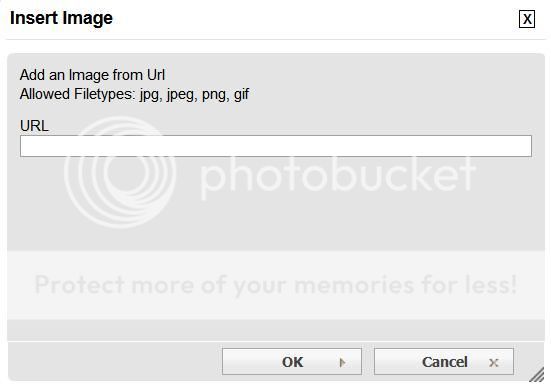
I would like to post some photos, so I read the tutorial. Now my head hurts. This forum is super complicated to post pics on, compared to lots of others I belong to. Is there a simpler way to do this? On some, you just click on the little icon, and select the photo out of "documents", or "pictures" or wherever you keep the pictures. I don't want to be that guy that #####es and whines about the forum, I really like this place a lot, but I frequently don't post pictures because I really dislike relearning the process, and having to figure out two other programs to make it work. And don't be flaming my ass about being an old fart who can't use a computer, please. I know for a fact that there are others besides myself who struggle with this. It doesn't have to be this hard...
YMMV
Glen
I would like to post some photos, so I read the tutorial. Now my head hurts. This forum is super complicated to post pics on, compared to lots of others I belong to. Is there a simpler way to do this? On some, you just click on the little icon, and select the photo out of "documents", or "pictures" or wherever you keep the pictures. I don't want to be that guy that #####es and whines about the forum, I really like this place a lot, but I frequently don't post pictures because I really dislike relearning the process, and having to figure out two other programs to make it work. And don't be flaming my ass about being an old fart who can't use a computer, please. I know for a fact that there are others besides myself who struggle with this. It doesn't have to be this hard...
YMMV
Glen






![insert%20image_zpsb6shlhst.jpg[IMG]](/forum/proxy.php?image=http%3A%2F%2Fi159.photobucket.com%2Falbums%2Ft138%2Fparklandtack%2Finsert%2520image_zpsb6shlhst.jpg%5BIMG%5D&hash=dc362226977011a4742926cc14ba221c)