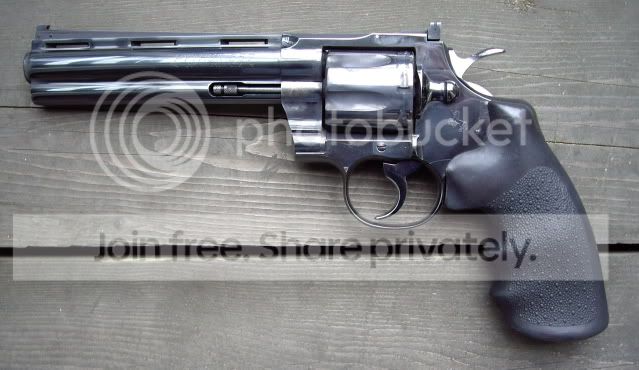












































Yeah, I have to figure out the pic thing. I used to have an account at hunt something, but I've forgotten all the details. I also have 44 Specials and a plethora of N frame mags, 41's and 44's, plus a few 45's that I should take pics of. - dan
Dan make it Photobucket so you don't get all the Party Poker crap that come along with most of the others, esp Image Shack. I'll see if my sticky from another forum is around to tell you how to do it.
Edit:
Here's the Photobucket info:
Posting Pictures
The following info may seem simplistic to the electronically gifted but for those of you like myself who have been cyberspace challenged I hope this helps. It was daunting my first time trying to post a picture on a forum thread. Seemed so complicated and I couldn’t wrap my head around how my pictures were supposed to go to some website server and then magically appear on CGN! I’m just a guy who wants to talk guns and throw a few (thousand) rounds down range once in a while. I’m certainly no computer wizard, I’ll admit to (or brag about) that, no problem. Long story short… I figured it out – it’s easy and if you want to join the fun of tossing in a pic of that Python or old Colt 1911 you treat better than your first born here’s how to do it. I (and many other CGNers) use “Photobucket” because it has no popups or other bs that are a part of other free picture storing/sharing websites. I have no connection to it other than that it works great for me.
Steps in posting your pictures in the EE or other threads.
• Go to “Photobucket” and register. Give a valid email address and use your judgment on the rest. Here’s the link: http://photobucket.com/register.php?link=topmenu
• They will send you a confirmation email right away with a link to go to complete the process. Now you can log in to Photobucket and start uploading pictures to their site which has a reserved space for your photos.
• Now you’re logged in at the Photobucket site and on your screen it shows several buttons, each with the word “Browse”. Click any one of them and it will let you choose pictures from wherever you have them stored on your computer. For example if your pictures are in a “My Documents” folder called “Guns” you can choose that folder right from the Photobucket site by clicking that Browse button.
• Choose a photo by clicking on it and then click “Open”. Now on the Photobucket page just click “Upload” and wait a couple of minutes while a copy of the picture transfers to the Photobucket site. Repeat as necessary till you have a stock of photos stored on Photobucket. At this point you have a stock of photos including that nice Diamondback you want to put in EE for $400.00 which is the reason I’m doing all this typing. Just kidding – sort of.
• Now it’s time to start a thread in EE or just share a picture in reply to someone else’s thread in Pistols & Revolvers etc. Go to your Photobucket pictures and left click (yes left) on the 4th line under the picture that says “IMG Code” It will auto-copy the image info and then all you have to do is paste that in a new thread or reply dialog box on CGN by right clicking the mouse and choosing “paste”. When you post your thread or reply etc. the actual image will magically appear in your post. If you are using the newest version of Flash 10 you may have to left click the image to hilite it and then right click the copy function before pasting in the EE.
Mike
Last edited: